
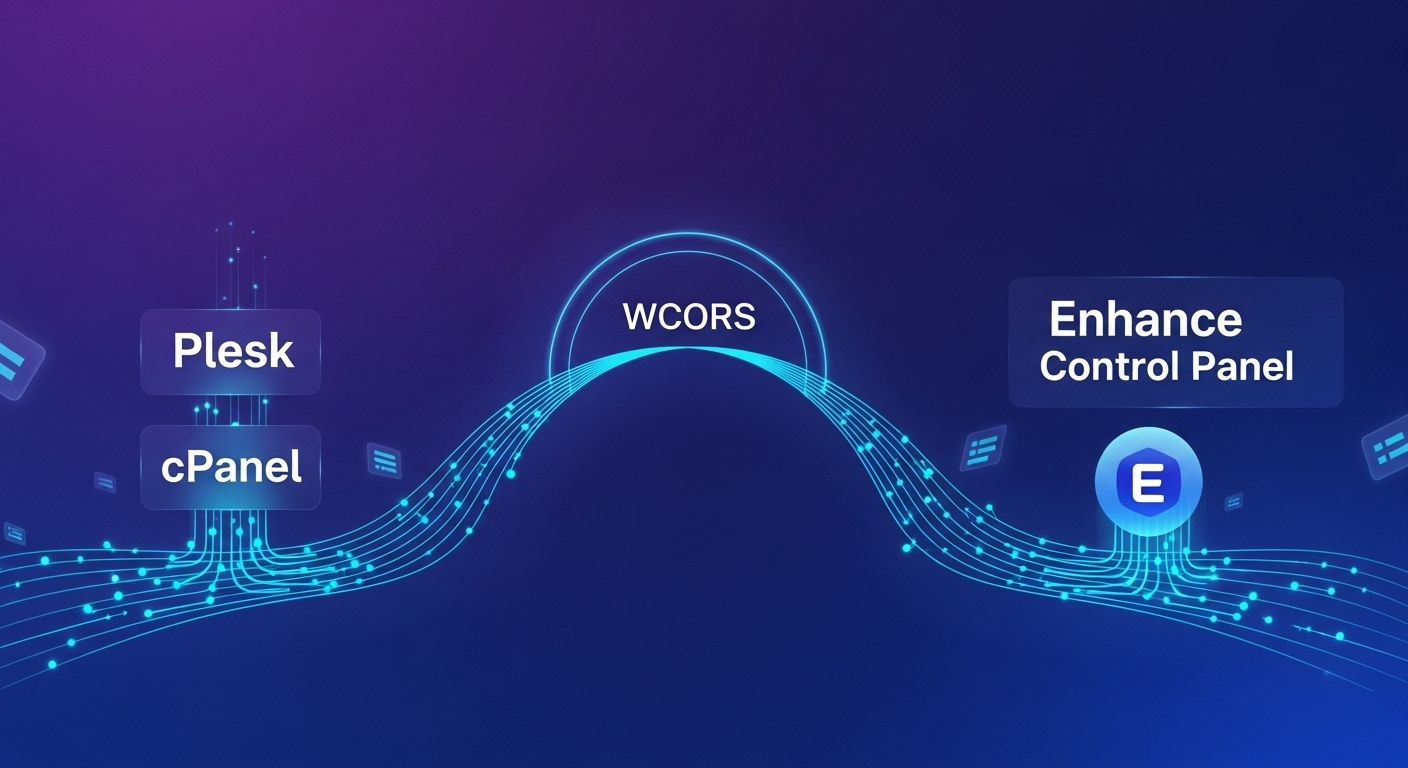
Migration from cPanel & Plesk to Enhance Control Panel:
Migration from cPanel & Plesk to WCORS Control Panel: Effortless & Automated For years, cPanel and Plesk have been the industry standards for web hosting management. However, as hosting technology evolves, so too do the needs of modern hosts and their clients. The shift toward modern, scalable, and high-performance hosting automation is accelerating, making the transition to a control panel like Enhance an appealing move.
But, the fear of migration—the complexity, the downtime, the lost data—often keeps hosts tethered to their legacy systems.
The good news? Moving your entire hosting estate from cPanel or Plesk to the cutting-edge WCORS Control Panel (By Enhance Control Panel) is designed to be an effortless, fact-based process that ensures a smooth transfer of your vital data: website files, databases, and emails.
Overcoming the Migration Barrier
Enhance cP (WCORS) understands that a successful migration must be simple, comprehensive, and automated. Whether you are a hosting provider looking to move hundreds of accounts from a VPS or a single user migrating a resource-intensive website, Enhance provides specialized tools to guarantee data integrity and a seamless transition.
Here are the primary ways Enhance streamlines your move:
1. Mass Migration (For Resellers and VPS Transfers) If you manage a large volume of client accounts and need to move an entire server, the Mass Migration feature is built for you.
How it Works: Using your root credentials, Enhance allows you to stream one or hundreds of backups directly from your cPanel server to your Enhance cluster.
The Benefit: There is no need to manually generate and upload backup files. Enhance handles the entire process, ensuring that all files, databases, emails, and passwords are securely transferred across. This method is the fastest and most efficient way for bulk transfers, minimizing administrative overhead.
2. Self-Guided Migration (For Individual Users) For end-users or smaller hosting accounts, Enhance’s intuitive migration wizard makes the transition a self-service reality.
How it Works: Users can effortlessly move to the Enhance cluster simply by uploading a standard cPanel backup file directly to the Enhance User Interface (UI).
The Benefit: The migration wizard takes care of the rest. Website files, emails, databases, and passwords will all be retained, allowing users to maintain continuity without relying on extensive support tickets.
3. Migration as Root (For Large & Resource-Intensive Websites) For extremely large or resource-intensive cPanel accounts, Enhance offers a method that bypasses typical size constraints.
How it Works: You can import a backup to Enhance as root. This allows you to upload the backup file directly to the control panel server, eliminating size limits often encountered with standard uploads.
The Benefit: Resource-intensive websites can be effortlessly migrated with greater stability and without file size restrictions.
Beyond the Move: What Awaits in Enhance? Migrating is just the first step. Once on the Enhance platform, you unlock a range of modern hosting automation features that outdated control panels simply can't offer:
Website Containerization: All websites are isolated in their own containers, providing advanced protection against vulnerabilities and cross-contamination from other accounts on the same server.
Built-in Backups: Enhance includes a powerful, fast, and reliable incremental backup and restore system, eliminating the need for third-party plugins or complex configuration.
Resource Management: Ensure consistent performance by limiting CPU, I/O bandwidth, IOPS, and memory on a per-website basis, a critical feature for managing shared hosting environments.
Conclusion The decision to move from a legacy panel like cPanel or Plesk to a modern, scalable platform like Enhance no longer needs to be defined by risk or complexity. With purpose-built tools for mass migration, user-friendly wizards, and automatic transfer of all your essential data—files, databases, and emails—Enhance provides the foundation for your next generation of hosting.
if you require us to help you in this migration process do contact us at : support@wcors.com or you can open the ticket at https://wcors.com/app/
Ready to experience a genuinely seamless transition? It’s time to leave the hassle of manual migrations behind and move to the future of hosting automation with Enhance.